Find context sooner
Connect sources, notes and outputs to reduce repeated searching.
KnowledgeGo / v1.0.0
KnowledgeGo v1.0.0 is a private knowledge workspace connecting sources, outlines, drafts, review and approval for a specific version and use.
Connect sources, notes and outputs to reduce repeated searching.
Agree on audiences and goals before investing in content.
Retain revisions and approval history so teams can continue each other’s work.
Record authorized materials, references and reading notes.
Align the audience, scope and references before scheduling an article or visual card.
People or separately used tools research and check content, linked to its outline and references.
Turn review feedback into revision tasks and retain new versions.
Approve a specific version and use. Article text, card copy and finished images are approved separately.
A healthcare team could gather authorized sources and notes, align an outline, and ask qualified professionals to review a draft explaining common care questions. After approval, the team can trace the version and permitted use. Card copy and finished artwork require their own checks.
Illustrative scenario, not a customer case or evidence of clinical outcomes. Responsible professionals retain clinical and editorial judgment.Search, categories, tags, reading notes and relationships. Pins and reading preferences stay in the current browser; cross-device sync is not claimed.
Article and card outlines connect audiences, scope and references. Scheduling is manual; research and production are done by people or separately used tools.
Review comments become revision tasks. Reusable phrases reduce repeated entry; browser-local preferences still require explicit saving.
Record document identity, version, fingerprint, intended use, reviewer, time and snapshot. Revocation keeps a reason and history.
Observe source progress, reading and citations. Counts do not prove quality or outcomes. Unknown AI usage stays unknown; this is not automatic token billing.
Authenticated sharing, PDF generation and desktop printing. Recipients still require access. Confirm version and use before export.
This is the first-generation scope. Fine-grained roles, autonomous research, automatic images, automatic approval, automatic public publishing and one-click multi-tenancy are not included.
AI-created interface concepts, not exact system screenshots. The Chinese labels, numbers and records in these images are illustrative, not customer data.
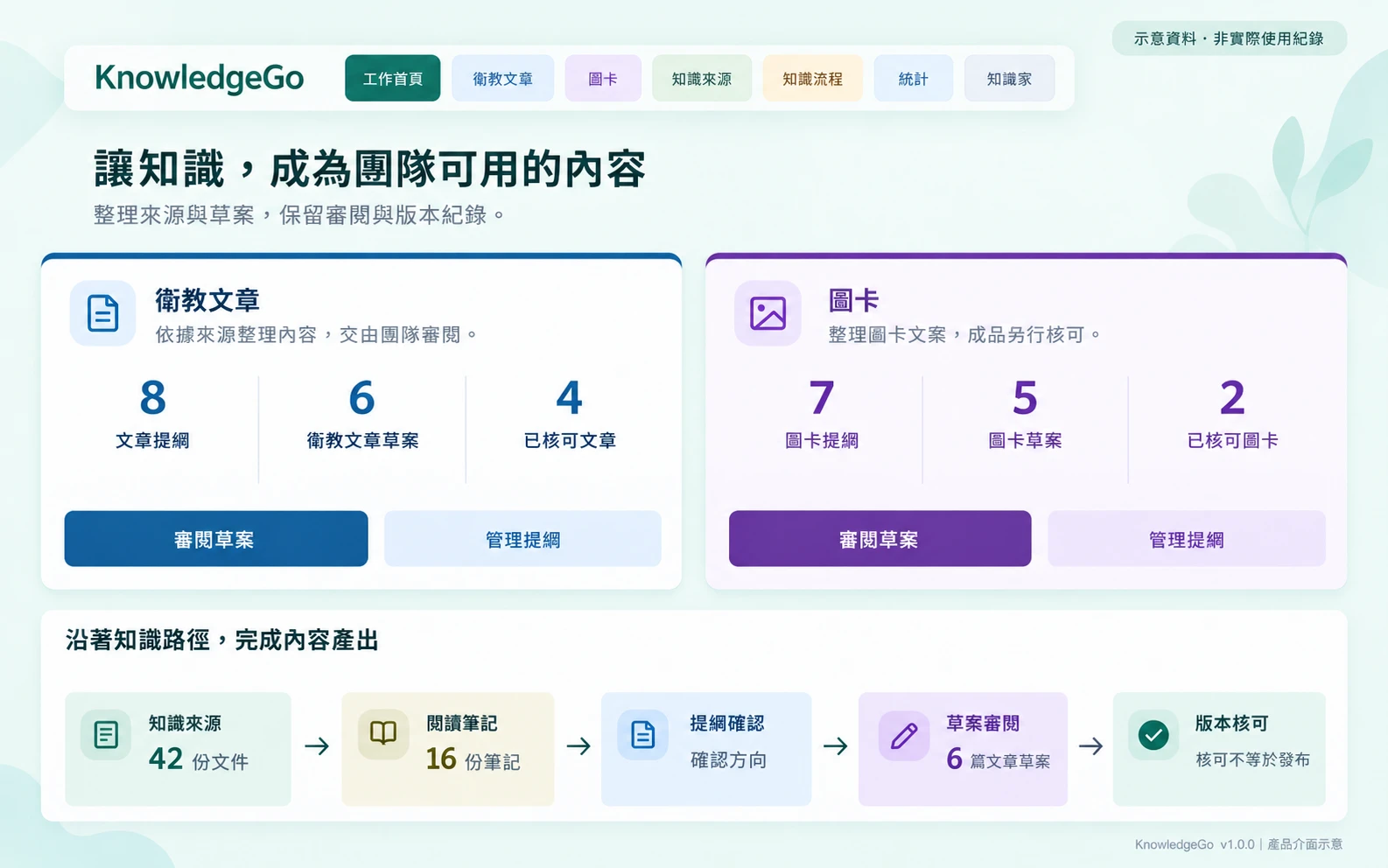
Connections between sources, outlines and drafts.
View details ↗Illustrative data, not actual usage or customer outcomes.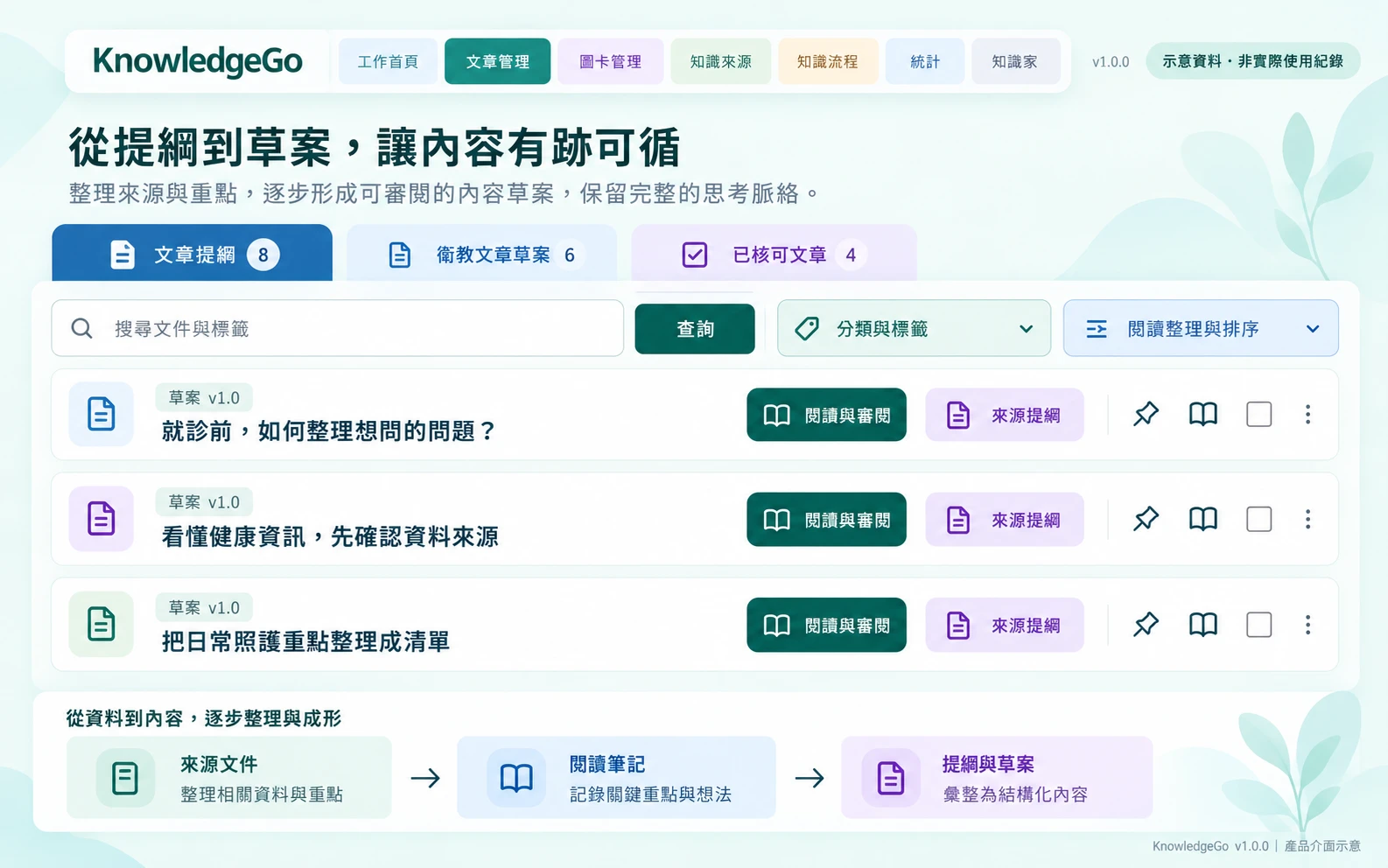
Find the context behind a draft and its references.
View details ↗Illustrative data, not actual usage or customer outcomes.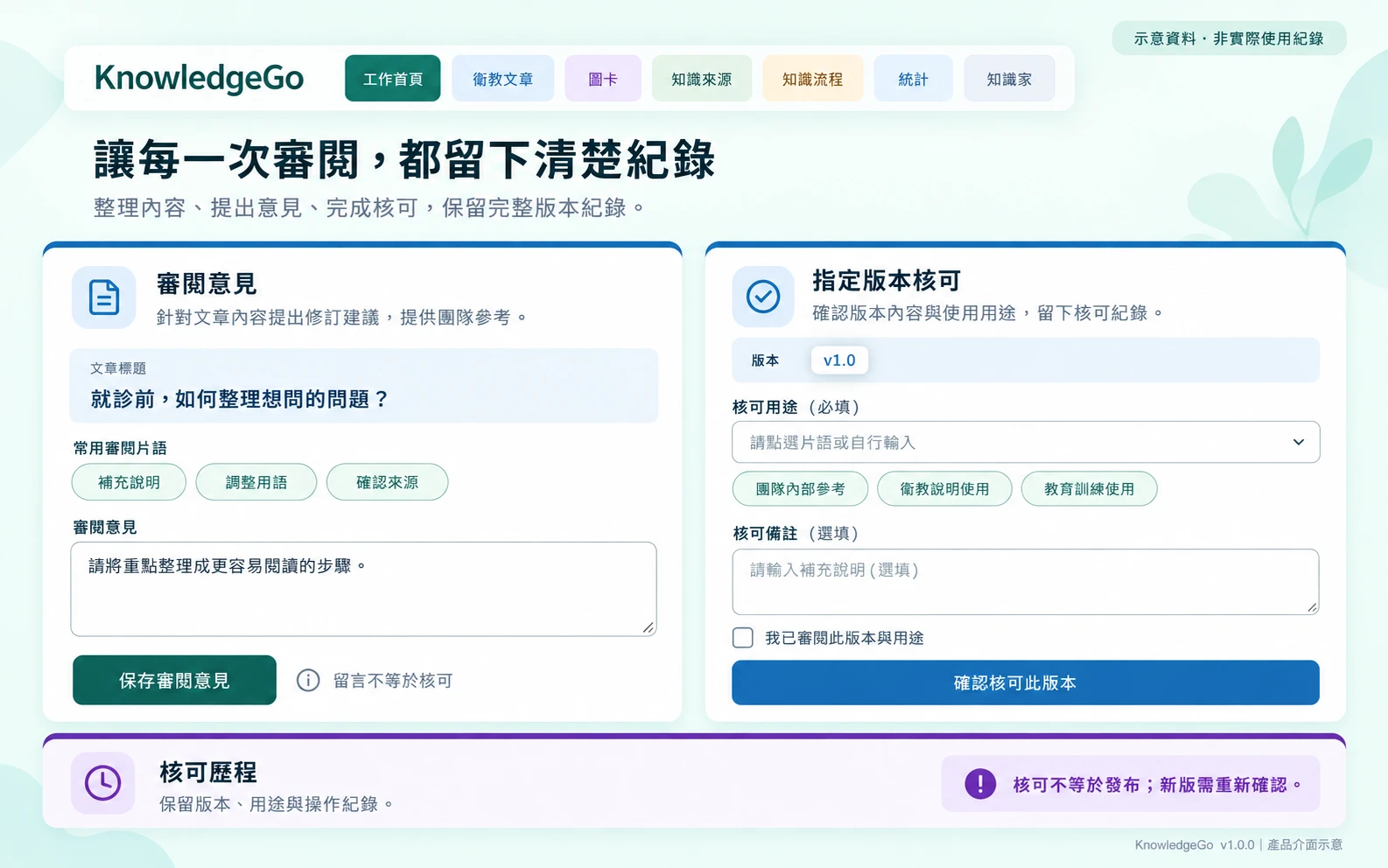
Feedback leads to revisions; approval confirms a specific version and use.
View details ↗Illustrative data, not actual usage or customer outcomes.Agree on users, source rights, review, permitted uses, retention, deletion and maintenance.
Plan branding, URLs, sign-in and access. Keep each client’s data and configuration separate.
Use authorized sample material through search, outlines, revisions, approval and sharing. Validate with the intended team.
Agree on backup, recovery, updates, support and costs. Outcomes and service levels are not assumed.
Describe your workflow first. Please do not send credentials or unauthorized internal information.